Per-site content
Content that differs between sites is edited with a site selector at the top of the page. Choose the site first, then edit. The selector is hidden when your account cannot read the site list.
Content pages
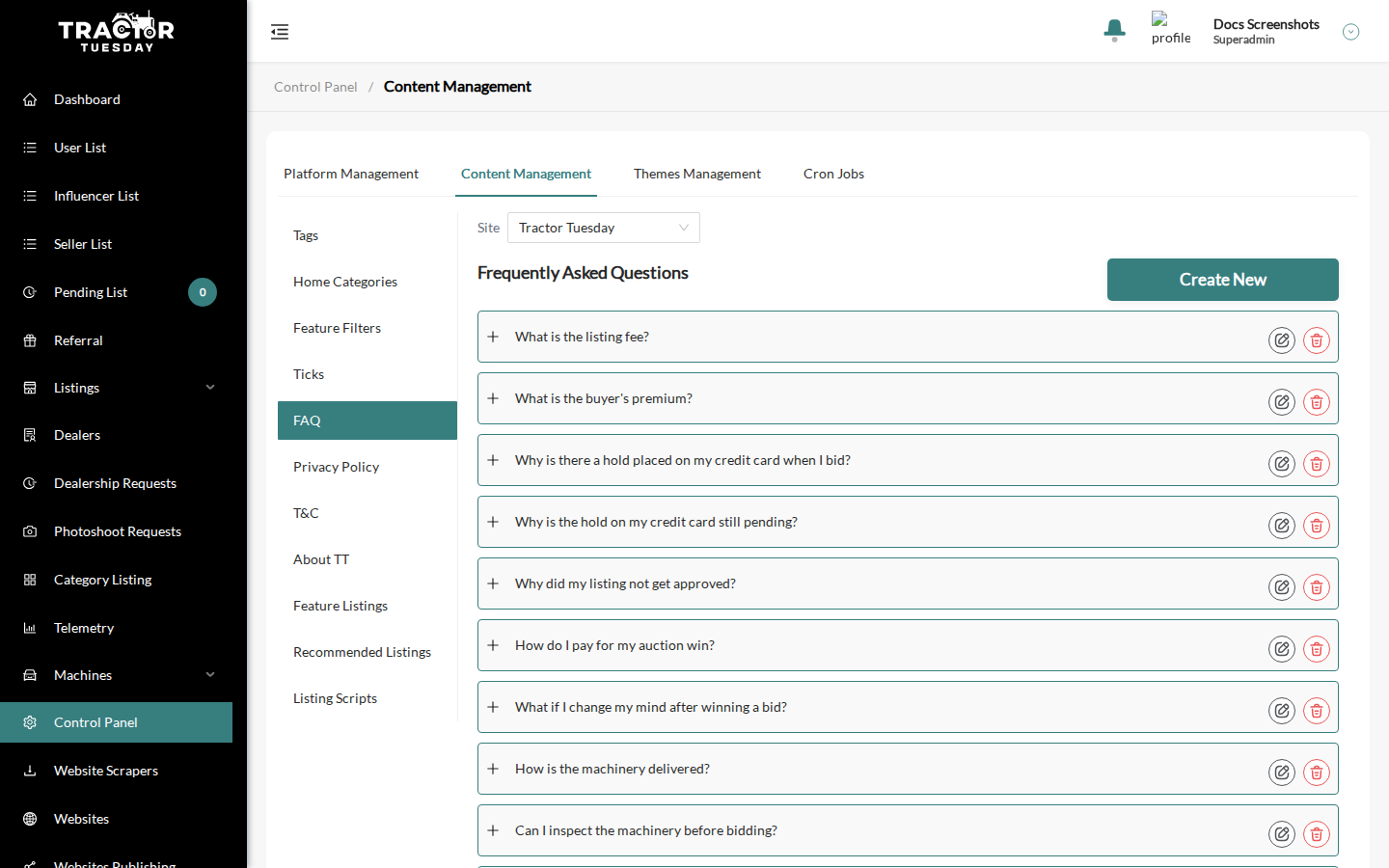
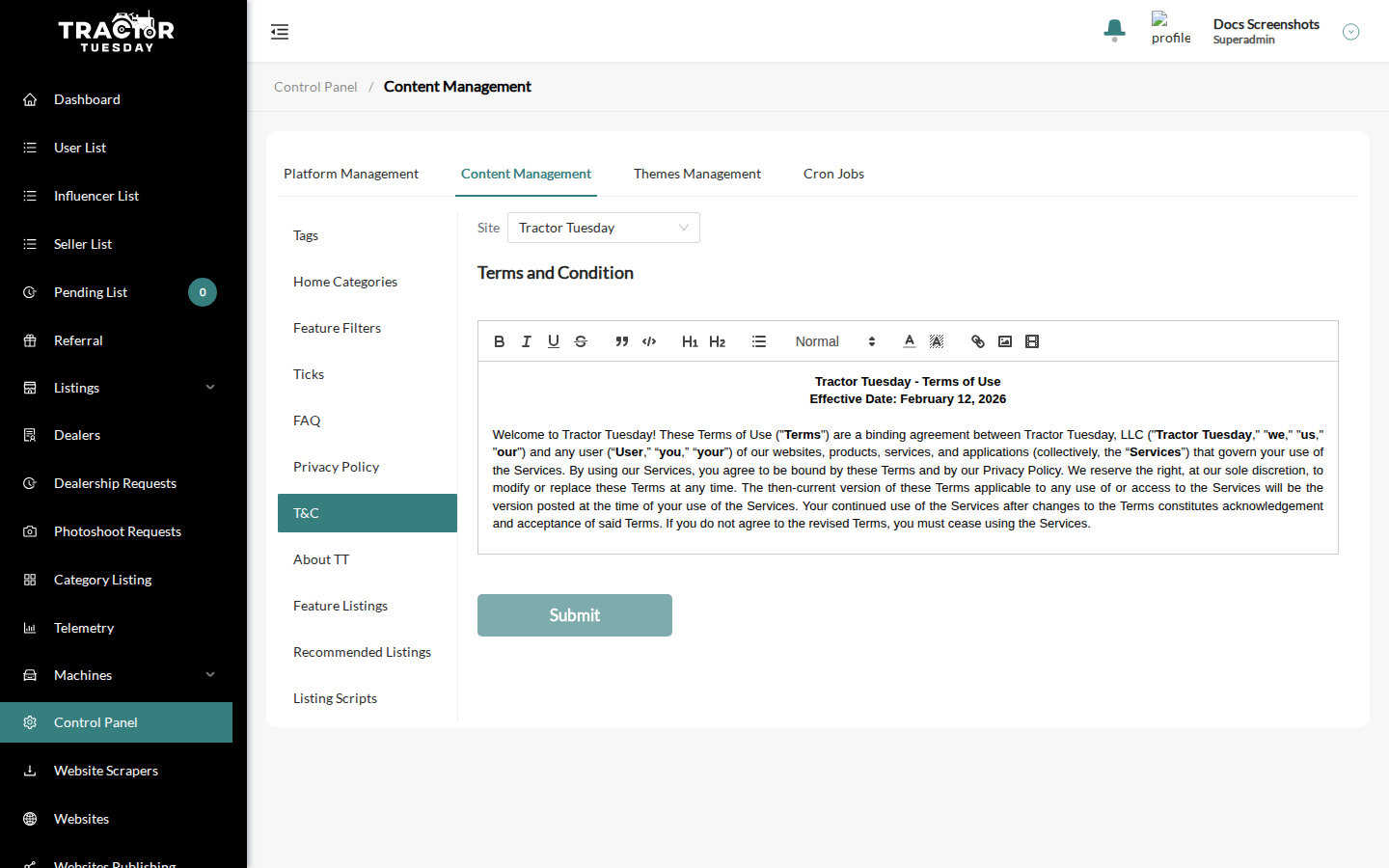
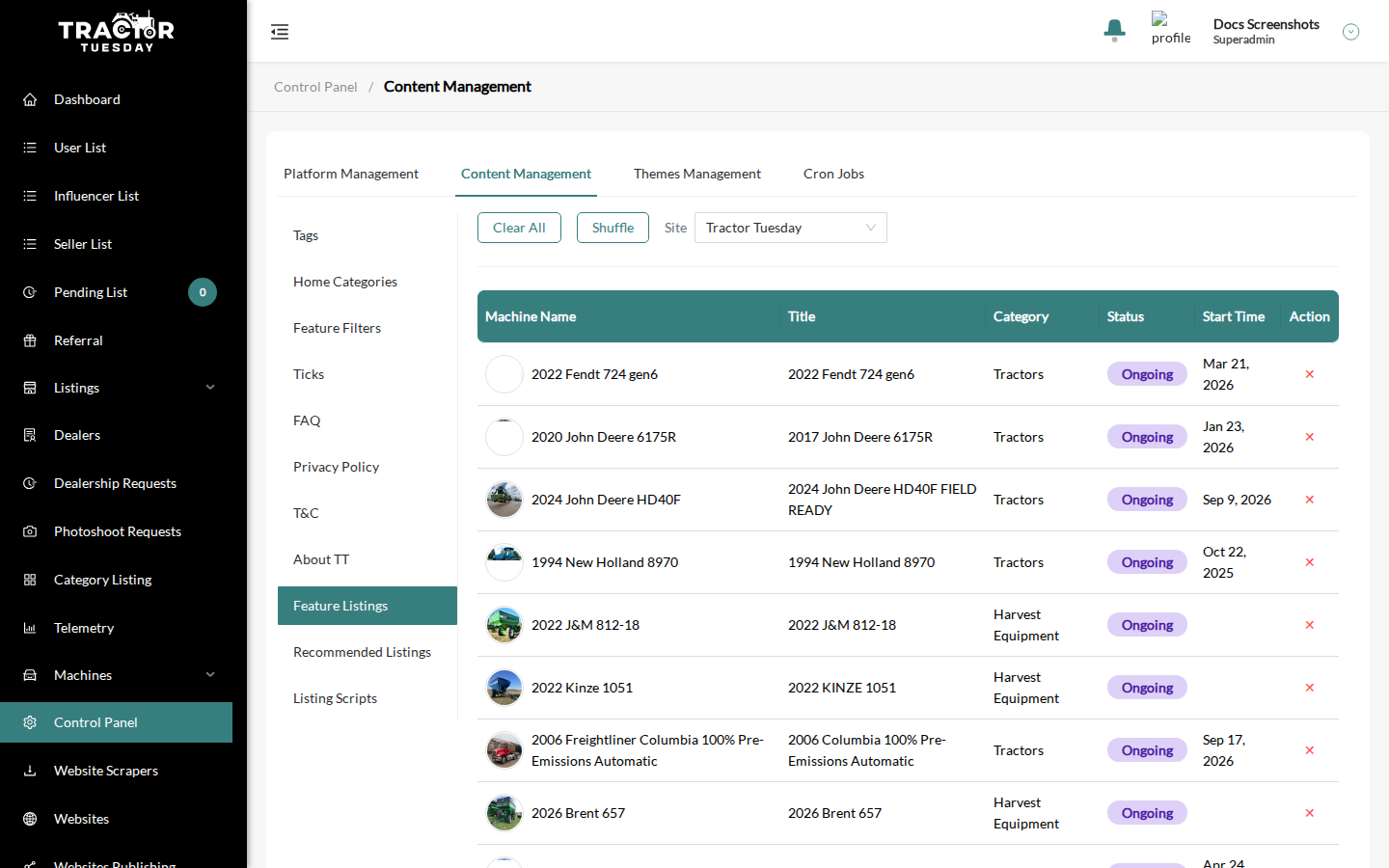
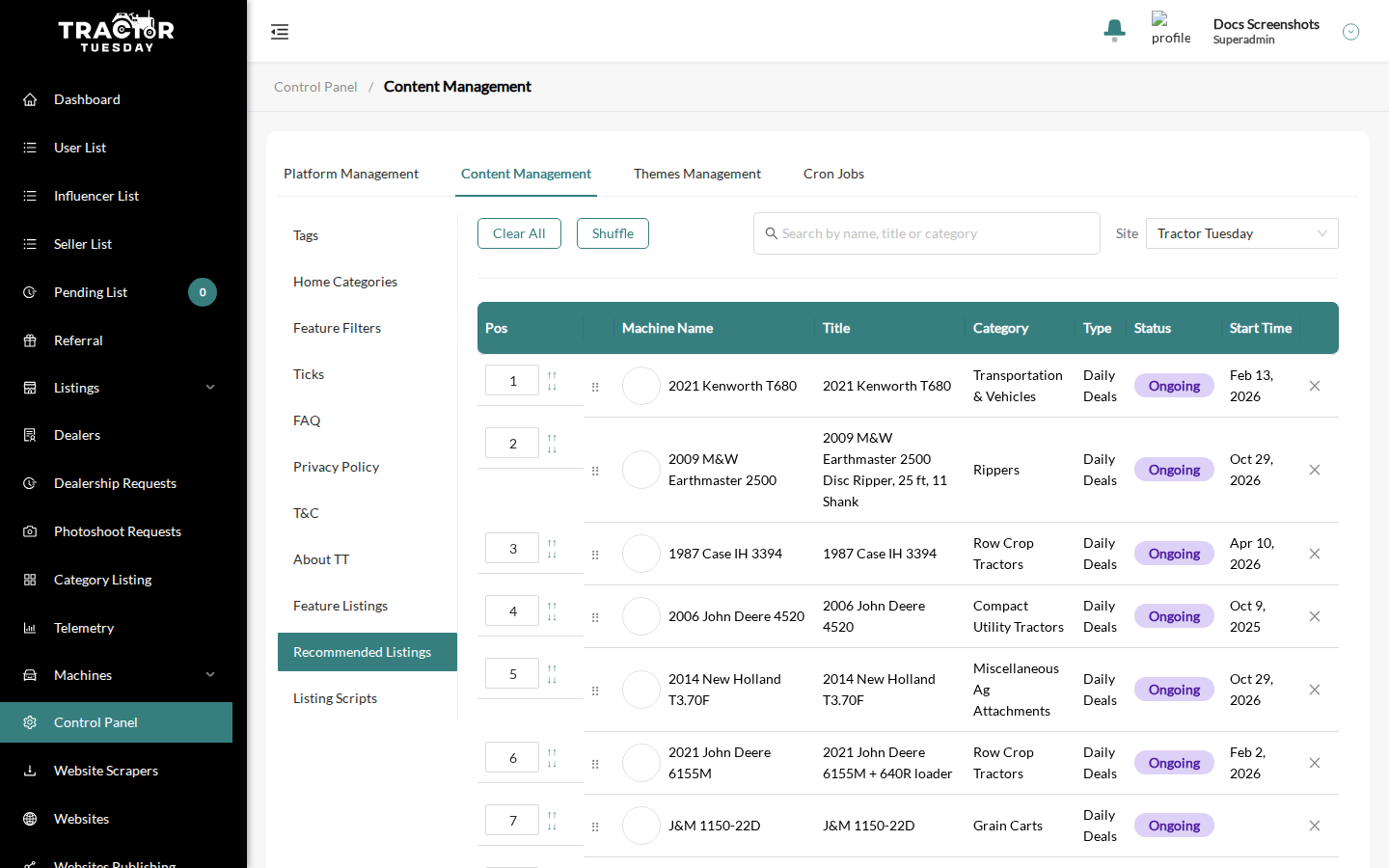
Section titled “Content pages”Content Management is a tab inside Control Panel (Control Panel > Content Management). Its left menu lists Tags, Home Categories, Feature Filters, Ticks, FAQ, Privacy Policy, T&C, About TT, Feature Listings, Recommended Listings and Listing Scripts. The Site dropdown exists on Ticks, FAQ, Privacy Policy, T&C, About TT, Feature Listings and Recommended Listings. Each site keeps its own version.
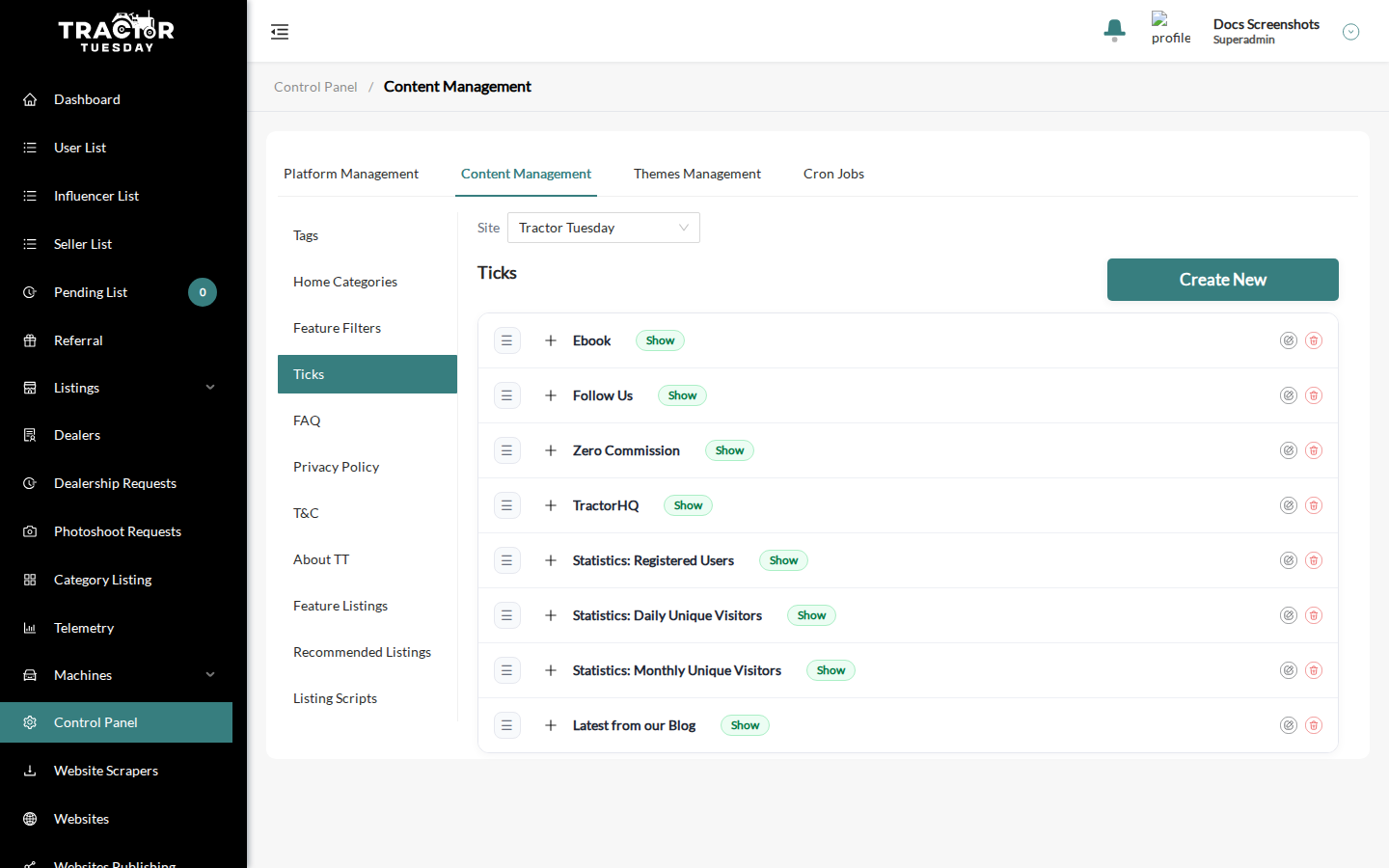
Ticks is an ordered, drag-and-drop list. Each tick has a Show or Hidden pill. Each site keeps its own ticks; there are no site checkboxes.
Feature Listings and Recommended Listings
Section titled “Feature Listings and Recommended Listings”Each site keeps its own list, so changing one site does not affect another. Both pages have Clear All and Shuffle buttons next to the Site dropdown.
Bulk action: Sites of Selected
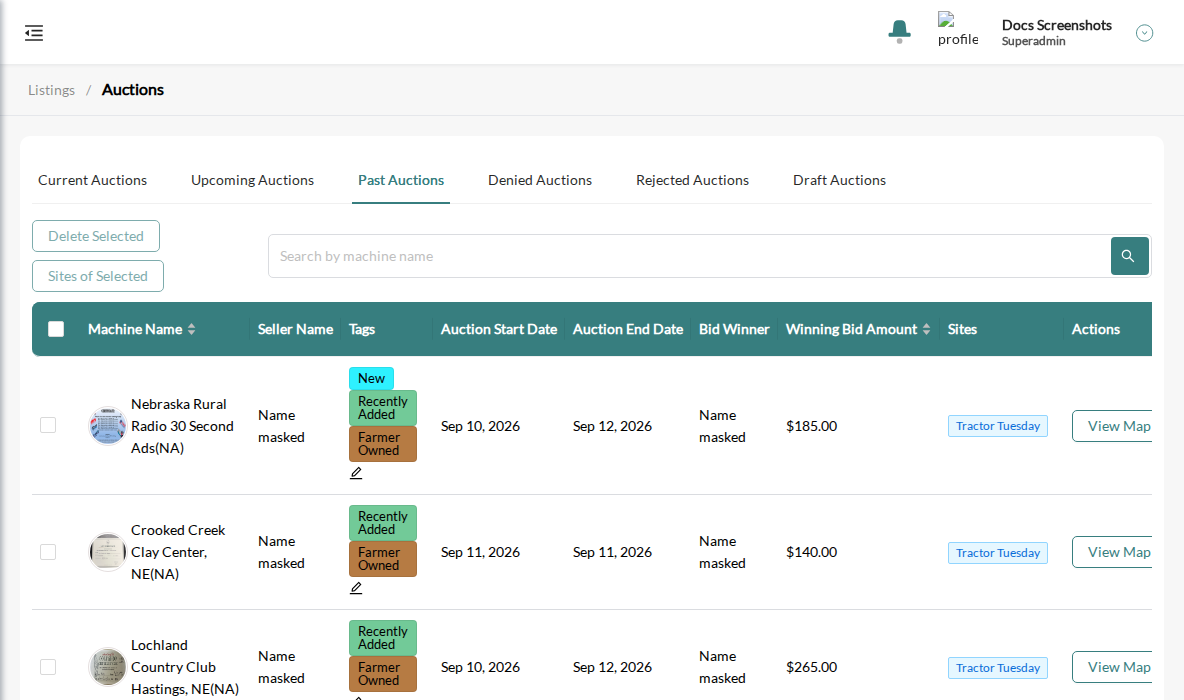
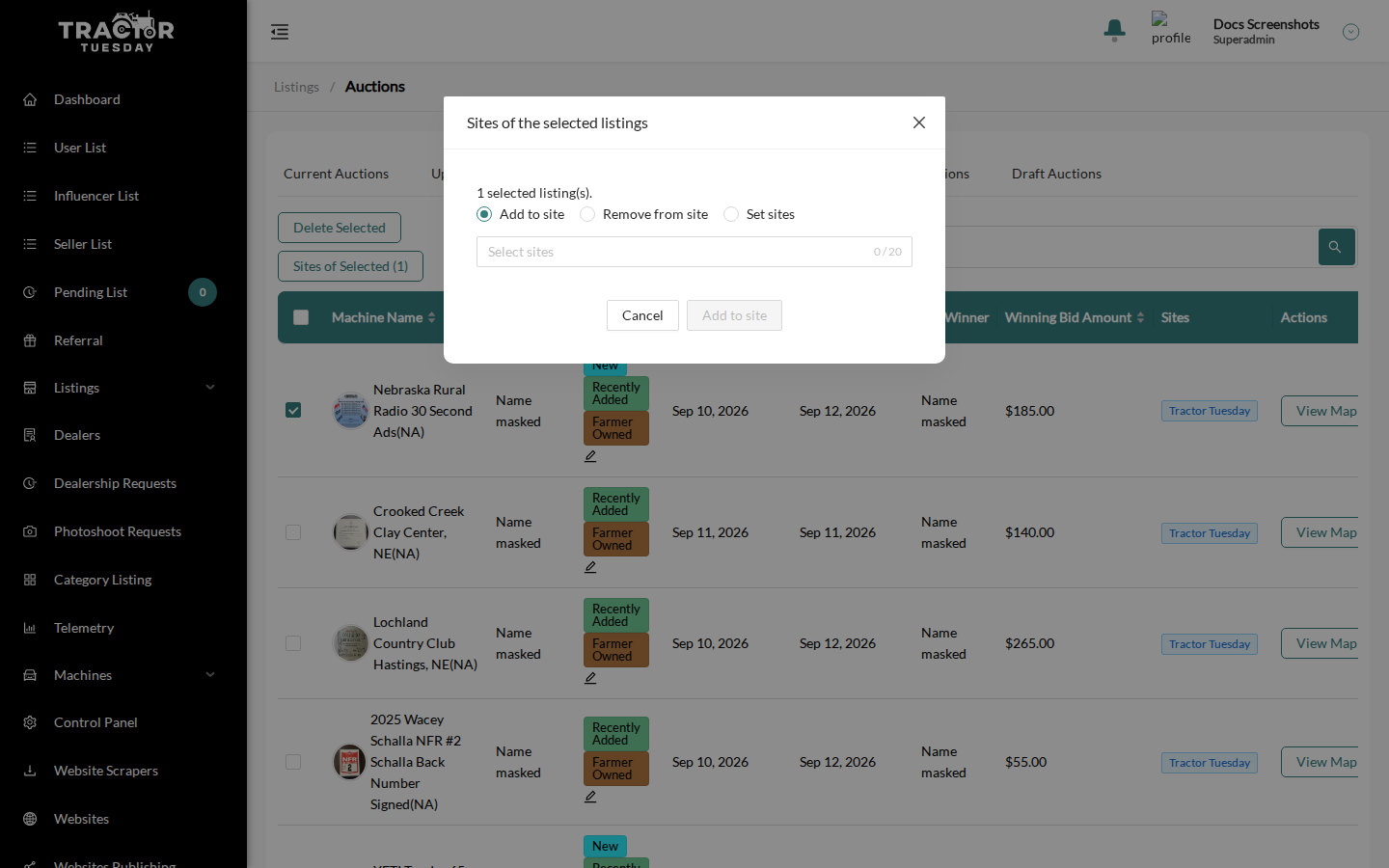
Section titled “Bulk action: Sites of Selected”In the auctions list (Auction management), select listings and click Sites of Selected (N). The button is disabled while nothing is selected. It opens Sites of the selected listings:
- Choose a mode: Add to site (default), Remove from site or Set sites.
- Pick the sites in Select sites.
- Confirm with Yes.
Limits per run: 20 sites and 1000 listings. Remove from site skips listings that would be left on no site. Set sites replaces the other sites of the listings. You need Auction management write access.
Dealer Sites tab
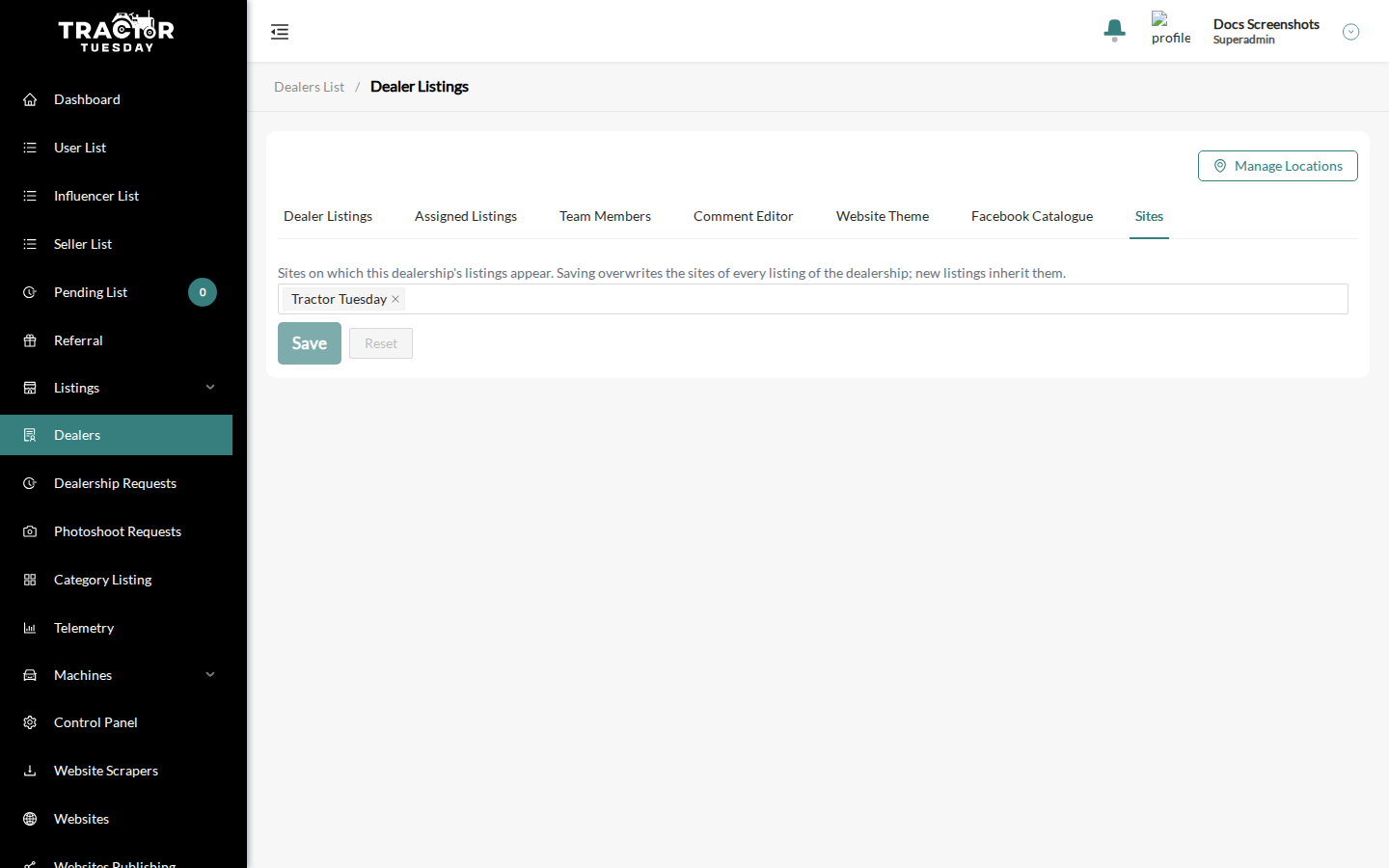
Section titled “Dealer Sites tab”A dealer’s page has a Sites tab, visible only when the site list is readable. Pick the sites the dealership’s listings appear on. Saving overwrites the sites of every listing of the dealership; new listings inherit them.
When nothing is set, listings keep their own sites and new ones go to the API’s default site.